
Batching Events onto a Single Invoice
You can add up to 6 events to the same invoice for one client.
If a client has multiple confirmed events listed in the Invoice Overview, you can combine them into a single invoice instead of invoicing each event separately.
In the Invoice Overview, find one of the events for that client.
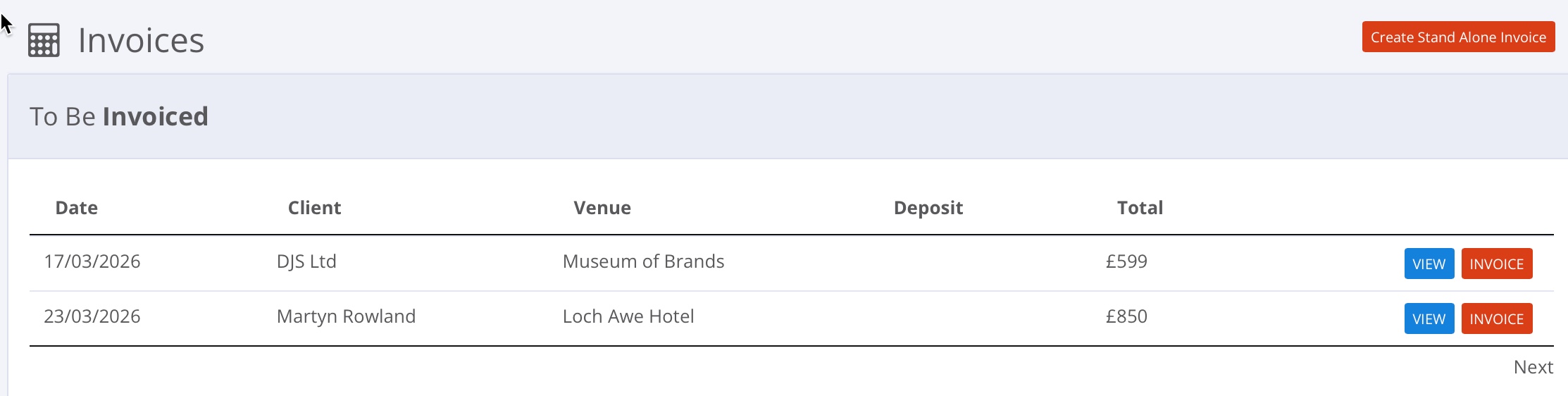
Click the red 'Invoice' button on any one of them. When the pop-up appears, click Yes, combine them.
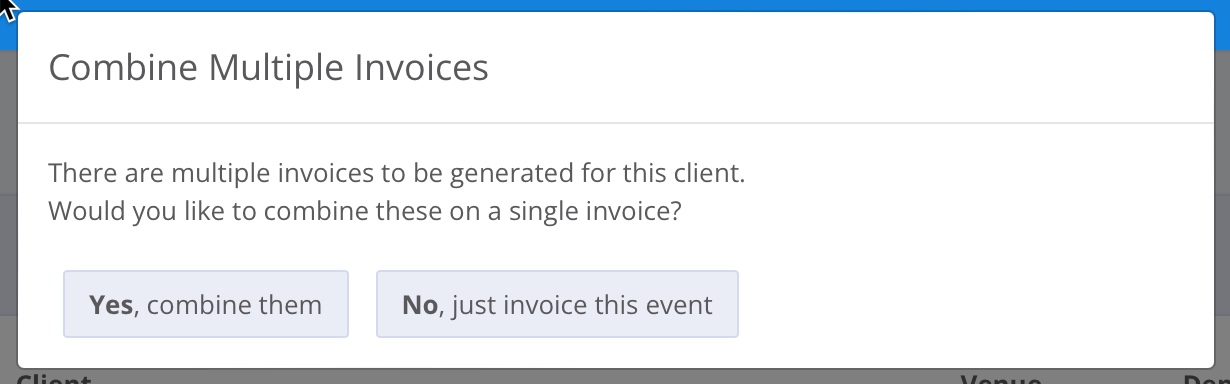
Giggio will then show all invoiceable events for that client.
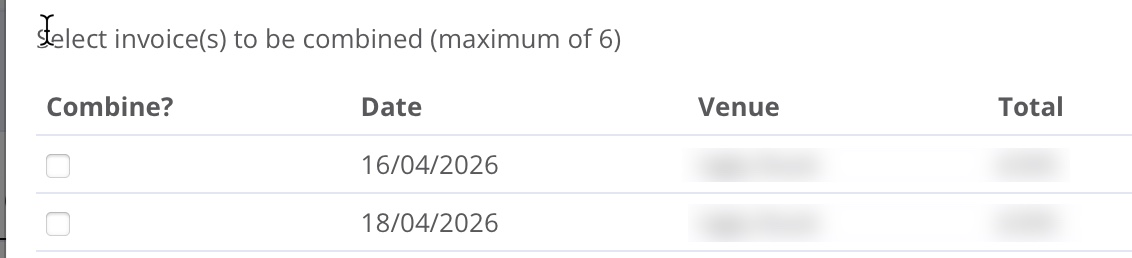
Tick the events you want to include, up to 6 in total.
The selected events will then be added to one invoice.